

Why Context Switching Destroys Your Productivity (And How to Stop)
Your brain isn’t designed for jumping between tasks every few minutes. Learn why context switching kills productivity and how to protect your focus.
Stop checking email every five minutes. Set specific times to handle all your messages at once—here’s exactly how.

Your phone buzzes. You stop what you’re doing to check. It’s another email. You glance at the subject, feel a tiny jolt of urgency, then try to get back to work—except your focus is already broken.
This isn’t laziness. It’s how most email systems are designed. They’re built to interrupt you constantly, pulling your attention away from deep work. The average office worker checks email 74 times per day. That’s once every 6 minutes.
Email batching changes this completely. Instead of reacting to messages all day, you set specific times—maybe three times—to process them all at once. You’re in control, not your inbox.

The concept is straightforward. Instead of constant checking, you schedule 2–4 specific times per day to review and respond to email. That’s it.
Between these times, notifications stay off. Your email tab stays closed. You’re working on actual work—the things that matter to your role, not just responding to whoever reaches you first.
You’ll notice something shifts almost immediately. Your focus deepens. You’re not context-switching every few minutes. You’re spending 20–30 minutes actually thinking through emails instead of skimming them half-awake.
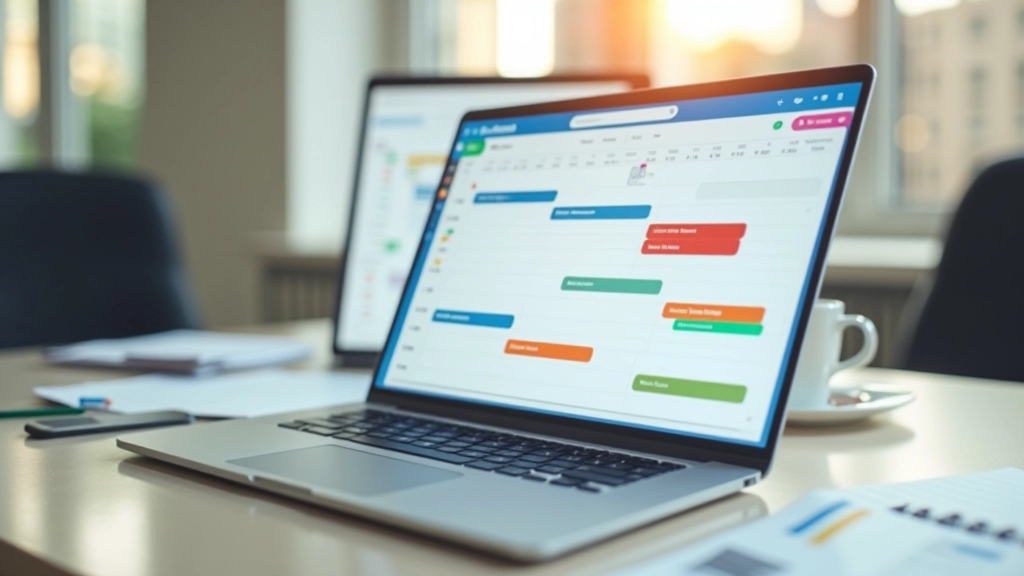
Email batching works brilliantly for knowledge workers, project managers, and most office roles. But if your job requires immediate responses—customer support, emergency services, on-call IT—you’ll need to adapt the timing. You’re still batching; you’re just batching every hour instead of every 4 hours. The principle remains the same: intentional time blocks instead of constant reactivity.

You don’t need fancy software. You just need discipline and a few small changes to your settings.
This is non-negotiable. Desktop alerts, phone notifications, badge counts—disable them all. You’re checking on your schedule, not the app’s.
Don’t just mute it—close the app or browser tab completely. Out of sight is genuinely out of mind.
Your email sessions are real appointments. Schedule them like you would a meeting. This trains your team to know when you’re available.
Add an auto-responder that tells people: “I check email at 9 AM, 1 PM, and 4:30 PM. I’ll respond then.” This sets expectations immediately.
You’ll hit resistance. Your boss might ask why you’re not replying instantly. Colleagues might feel ignored. Here’s how to manage it.
True emergencies are rare. Maybe once a week something genuinely can’t wait 4 hours. For those moments, have one person who can call you directly. One phone number, not email. This immediately separates actual emergencies from “I need this in the next 30 minutes” requests.
Tell your team explicitly what you’re doing and why. “I’m batching email to give you better, more thoughtful responses.” Most people get it. They might even try it themselves.
You’ll feel anxiety about checking. Resist it. By day 5, that feeling fades. Your brain adjusts. You’ll realize nothing actually broke.

Without constant interruptions, you’ll finish tasks faster and with fewer errors. Your deep work becomes genuinely deep.
You’re not replying half-focused. You’re reading full context and thinking through answers. People notice the quality difference.
The anxiety of constant checking disappears. You know when you’re handling email. You know when you’re not. That certainty is calming.
You’ll reclaim roughly 2–3 hours per day. That’s not a small thing. That’s your afternoon back.
Don’t overhaul your entire week. Tomorrow, pick one day and try three email sessions: 9 AM, 1 PM, 4:30 PM. Turn off notifications. Close the tab between times. See what happens.
You’ll probably feel uncomfortable. That’s fine. Discomfort means you’re breaking a habit. By Friday, you’ll have proof that the system works. You’ll have finished actual work. You’ll have written better emails. You’ll feel calmer.
Then expand it. Make it permanent. Tell your team. Build it into your workflow.
Email batching isn’t about being rude or unavailable. It’s about being intentional. It’s about deciding that your focus matters more than instant responses. And honestly? That’s rare enough that it stands out.